


Public documents (such as municipal bylaws, healthcare disclosures, and school calendars) must meet accessibility standards to avoid compliance violations. PDFs often present challenges because they lack structural tags, reading order definitions, and alternative text for charts. Converting document content into standard HTML web pages or utilizing professional document remediation services helps organizations maintain compliance, publish an [honest accessibility statement](/how-to-draft-compliant-website-accessibility-statement), and reach their full audience.

For website custodians operating in public administration, healthcare, and education, the management of document libraries is an ongoing challenge. Over years of site operations, departments accumulate massive directories of downloadable files. These archives often include school schedules, zoning applications, financial audit reports, employee handbooks, and patient policy updates.
Administrators face the reality of uploading new files weekly to satisfy public notification requirements. At the same time, they must manage a backlog of legacy documents that were created before digital compliance standards were established. Checkers regularly flag these files for containing critical accessibility violations.
Faced with thousands of non-compliant PDFs, website custodians can easily feel overwhelmed. The time required to check and repair each document manually is significant. Furthermore, when public information is hidden inside inaccessible documents, it creates a direct barrier to community participation and can result in formal civil rights complaints under state or federal programs. However, by establishing a clear prioritization policy and transitioning toward web-first content publishing, organizations can reduce this ongoing administrative workload.
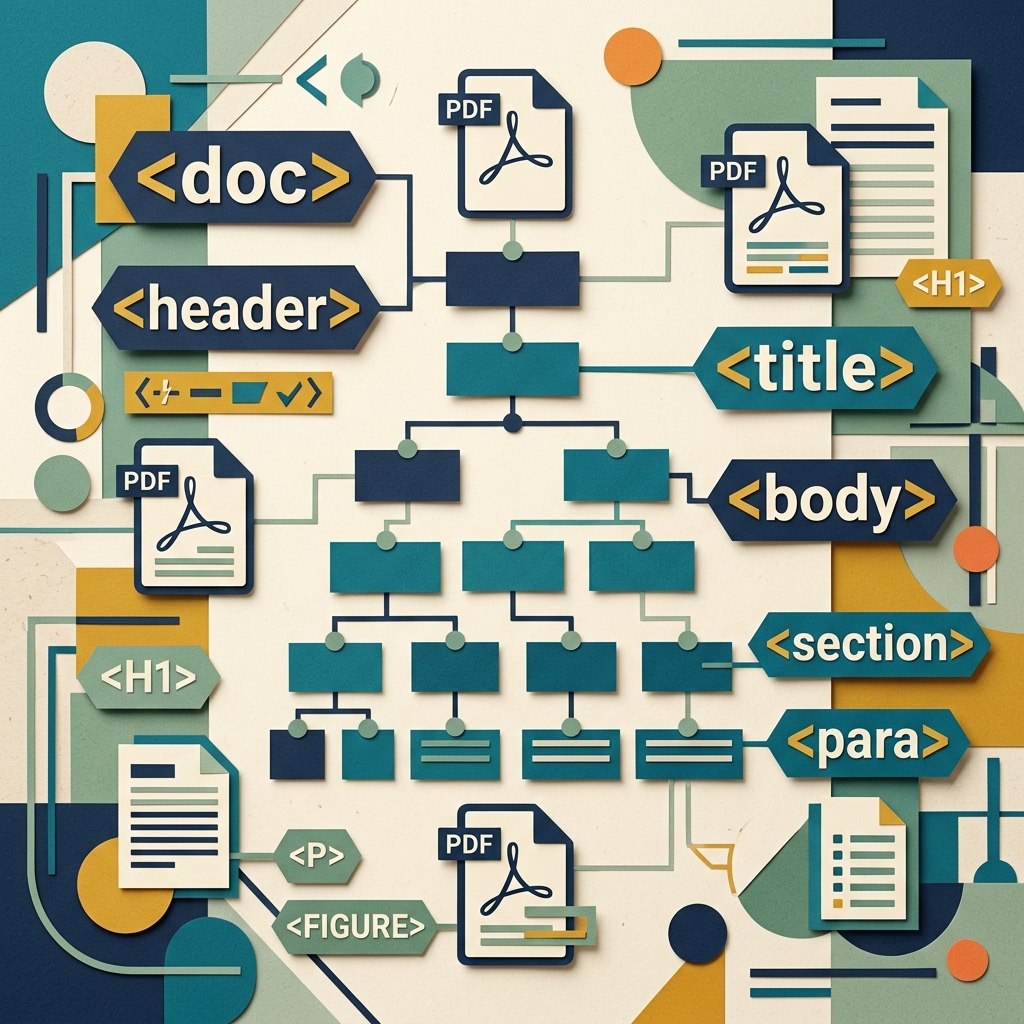
To understand why standard PDFs present barriers, one must look at how the file format operates. A traditional PDF is essentially a digital snapshot, prioritizing visual layout, page margins, and font styling over underlying code structure. Without specific markup, a screen reader sees a PDF as a single flat image or a disorganized block of characters, preventing blind or low-vision users from reading the content.
Making a document accessible requires converting it into a tagged PDF (often conforming to the PDF/UA standard). This process involves adding a hidden markup layer that mirrors HTML structure:
- The Tags Tree: Developers and remediators build a tree structure containing semantic tags. Headers are marked with
<H1>,<H2>, and<H3>tags, paragraphs with<P>, and lists with<L>and<LI>. This allows screen readers to navigate the text logically. - Logical Reading Order: Evaluators must define the reading order of the document. In multi-column layouts, sidebars, or callout boxes, the visual layout does not match the logical reading sequence. The reading order must be specified so that the software reads text blocks in the correct order.
- Alternative Text for Figures: All charts, graphs, and images embedded in the document must include programmatic alternative text descriptions. If an image is purely decorative (such as a border or spacer), it must be marked as an artifact, telling assistive devices to ignore it.
- Table Structures: Tables are a major source of violations. remediating a table involves defining column headers (
<TH>) and row headers, allowing a screen reader user to understand the context of individual data cells. - Document Language Specification: Remediators must set the document’s primary language property (such as English or Spanish) in the PDF metadata. If the language metadata is missing, screen readers may use default pronunciation rules that do not match the document text, rendering the audio output incomprehensible.
- Document Title Display: A compliant PDF must have a descriptive title set in its document metadata. Crucially, the document properties must be configured to display this title in the application window title bar, rather than showing the raw file name. This satisfies WCAG Success Criterion 2.4.2 (Page Titled). When this property is omitted, screen readers announce the file name (such as
draft_final_v2_bylaws.pdf), which lacks context and disrupts the user experience.
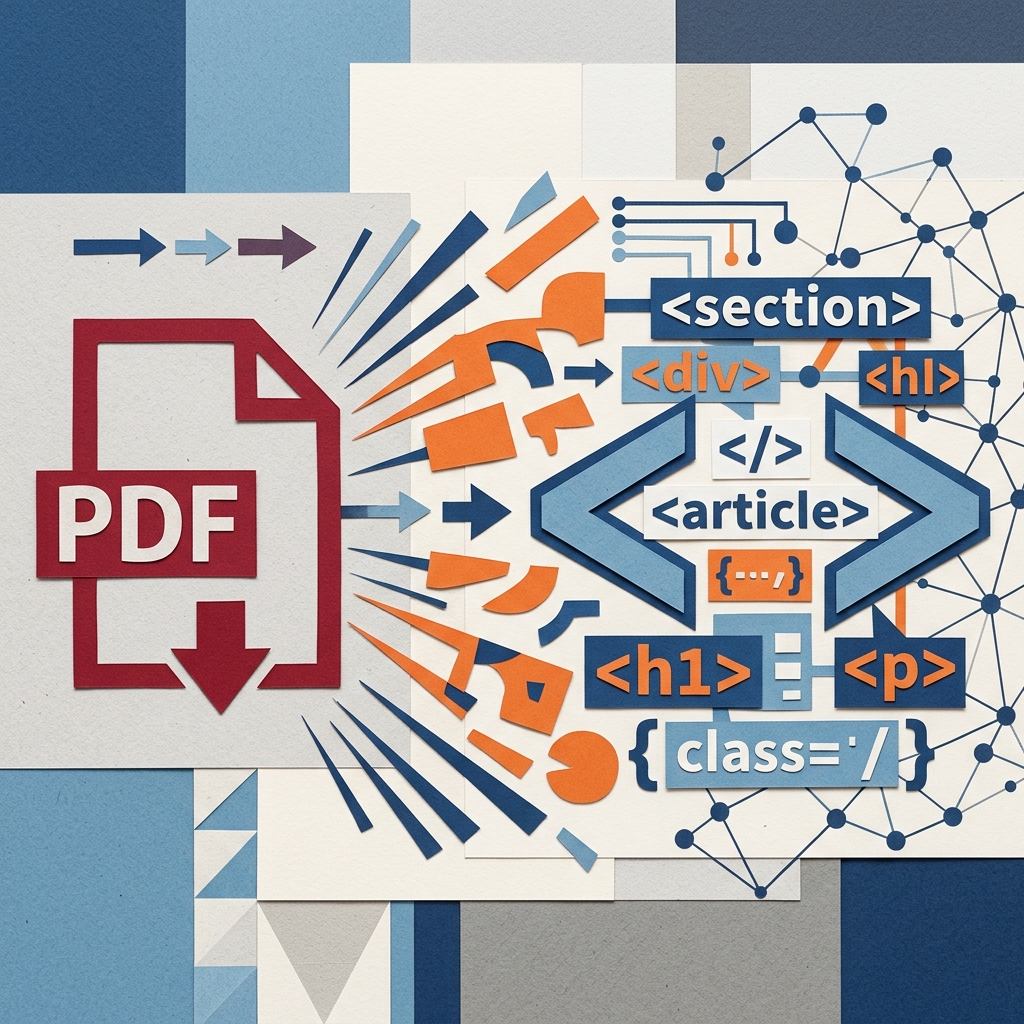
While document remediation is necessary for certain files, converting document content into standard HTML web pages is often a more practical, cost-effective, and user-friendly solution.
HTML web content offers significant advantages over downloadable files:
- Responsive Design: Web pages reflow automatically to fit any screen size, providing a legible reading experience on mobile devices. In contrast, viewing a PDF on a smartphone requires horizontal scrolling and manual zooming.
- Natural Compatibility: Modern browsers feature built-in tools for translation, text-to-speech, and custom font scaling. HTML content interacts with these tools, whereas PDFs often block them.
- Stronger SEO and Searchability: Search engines crawl and index HTML pages easily, improving organic search visibility. Additionally, visitors can search for keywords directly within the webpage.
Organizations can establish a policy prioritizing web-first HTML content. Bylaws, press releases, and meeting agendas can be published directly as web pages. The use of PDFs can be restricted to documents that require physical print layouts, such as architectural plans or zoning certificates.

To systematically address the document backlog, website custodians can implement a structured workflow.
- Step 1: Conduct an Analytics Review: The team uses web analytics to identify which PDFs are downloaded most frequently. Prioritizing these high-traffic documents ensures that remediation efforts provide immediate benefits.
- Step 2: Optimize Source Files: Remediating a document is much easier in the original word processor (such as Microsoft Word or Adobe InDesign) than in the exported PDF. Creators must apply styling structures (such as Paragraph Styles for headings) in the source document before exporting.
- Step 3: Run Conformance Checkers: After exporting the tagged PDF, the administrator runs the built-in accessibility checker in Adobe Acrobat Pro or utilizes independent tools like the PDF Accessibility Checker (PAC) to identify syntax issues. PAC evaluates documents specifically against the ISO 14289 (PDF/UA) standard, which is more rigorous than simple automated tools and provides a detailed report of any structural failures.
- Step 4: Outsource Complex Backlogs: Remediating complex tables, maps, and forms requires specialized training and software. To simplify this process, companies managing large libraries of files can establish a plan to clean up documents and maintain ADA compliant website requirements across all media types.
Adopting this structured approach allows organizations to manage their compliance timelines, reduce their technical debt, and ensure that public disclosures are accessible to the entire community.