


The Q4 Website Security Checklist for Small and Mid-Size Businesses
Attackers follow the calendar. For many businesses, especially retailers, e-commerce sellers, and service companies with year-end demand, the fourth quarter is when the website sees its heaviest traffic, its most transactions, and its most attempts at compromise. Staff are stretched and nobody wants to touch the website while orders are coming in. That combination is exactly what makes Q4 attractive to the people probing it.
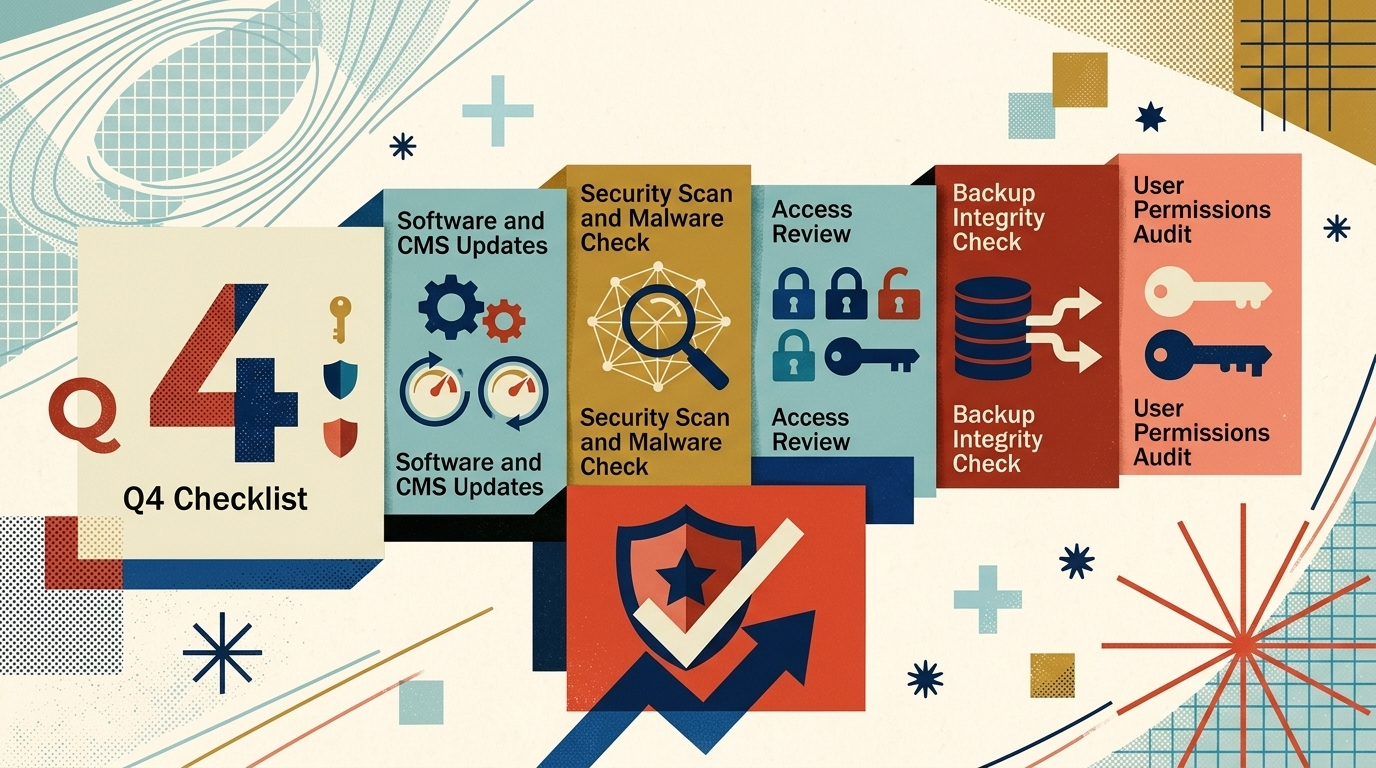
1. Updates Applied, Especially Plugins
One of the most common entry points into a WordPress site is a plugin with a known, published vulnerability that nobody updated. Once a vulnerability is public, automated tools scan for sites still running the old version. The window between “patch available” and “attackers looking” can be days.
Before Q4 volume picks up, every plugin, theme, and the WordPress core itself should be current. Applying updates promptly, and testing after updating, closes the door that most automated attacks walk through. Deferring updates until January means running that risk through the busiest season instead.
2. Backups That Actually Restore
A backup that exists is not the same as a backup that works. We regularly meet businesses whose backup plugin has been silently failing for months, or whose backups live on the same server as the site, which means a compromised server takes the backups with it.
The working version of this item: backups run automatically on a schedule, copies are stored off the web server, and someone has actually restored one to confirm it works. A restore test sounds tedious, but it is the only way to know the backup is real. When a site does get compromised, a clean recent backup is often the difference between a bad afternoon and a bad month.
3. Logins Hardened
Weak and reused passwords remain a reliable way in, and credential stuffing (trying passwords leaked from other breaches against your login page) is fully automated now. Two measures block most of it.
The first is unique passwords for every account with admin access, stored in a password manager rather than a spreadsheet or memory. The second is two-factor authentication on every login that can change the site. Both are cheap. Both are observable: either the login page asks for a second factor or it does not.
It also helps to prune the user list. Former employees and old contractor accounts with lingering admin access are a quiet risk that nobody notices until there is a reason to look.
4. Forms and Checkout Watched
Contact forms and checkout pages are the front door most attackers actually knock on, because forms accept input from the public by design. A form without spam filtering or input validation can be used to probe the site, flood the inbox, or in worse cases inject malicious code.
For businesses selling online, Q4 adds a specific concern: card skimming. Attackers who gain access sometimes add a script that quietly copies payment details at checkout while the transaction still completes normally, so nothing looks wrong from the business side. Regular review of checkout code, plus a payment processor that handles card data on its own servers rather than yours, reduces both the risk and the exposure if something does get through.
5. Hosting and SSL in Order
The hosting layer carries more security weight than most owners realize. Managed hosting that isolates accounts properly, patches its servers, and scans for malware removes whole categories of problems before they reach the site. Skipping those steps to save money leaves that exposure with the business instead.
SSL certificates deserve a check too. An expired certificate does not just show a warning; in Q4 it shows that warning to your highest-intent customers of the year, and many will simply leave. Certificates should renew automatically, and someone should confirm the renewal actually happened.
6. Someone Watching
The last item is the one that ties the rest together. Most of the failures above stay invisible until someone looks, and on an unmanaged site nobody is looking. Monitoring for malware, uptime, and unexpected file changes is what turns a compromise that could linger for months into one caught within hours.
This is risk reduction, not a guarantee. No checklist makes a site unhackable, and anyone who promises that is overselling. But the pattern in compromised small business sites is consistent, and it traces back to a short list of gaps.
- Keep every plugin, theme, and the WordPress core current. This closes the door most automated attacks walk through, and the window between a patch and an attacker looking for it can be days.
- Maintain a backup that has actually been restored. A backup nobody has tested is a guess, not a safety net, and a clean recent one is often the difference between a bad afternoon and a bad month.
- Retire reused and shared passwords. Unique passwords stored in a password manager, plus two factor authentication on every login that can change the site, block most credential stuffing attempts.
- Put someone in charge of watching. Monitoring for malware, uptime, and unexpected file changes turns a compromise that could linger for months into one caught within hours.
Closing those gaps removes the bulk of the realistic risk.
Why This Belongs on the Q4 List, Not the January List
It is tempting to defer security work to the slow season. The problem is that Q4 is when a compromise costs the most. A hacked checkout in November costs sales that do not come back. A defaced homepage during your busiest inquiry period costs leads you never knew you lost. January is when attackers have time on their hands, but October and November are when your business has the most to lose.
Treating security as part of Q4 preparation, alongside inventory and staffing, turns the site into an asset going into the season. Deferring it is a bet that the busiest quarter’s automated scanners will skip the business. Some win that bet. The ones who lose rarely see it coming.
Where We Fit
Running this checklist takes real, recurring time, and businesses generally land on one of two paths.
-
Handling It Yourself
Someone on staff owns the full list: updates tested before Q4 volume hits, backups run and restored on a schedule, unique passwords and two factor authentication on every admin login, forms and checkout code reviewed, and hosting, SSL, and monitoring kept current.
- Works well when someone already has the time and the WordPress background to own it.
-
A Support Plan: usually the better fit when nobody in-house has the time
We keep WordPress core, themes, and plugins current, maintain backups we have actually restored, harden logins, and monitor for malware and file changes, responding when something does get through.
If the checklist above reads like a job nobody at your company has time for, that is usually the sign it should be our job instead of yours.