


Built with AI. Ready for Real Users.
A working app used to require a development contract and a few months of waiting. Now a founder with a clear idea and an AI coding tool can have one running by Sunday night. The app is real. The demo is real. What usually is not real yet is everything the app needs the moment strangers start depending on it.
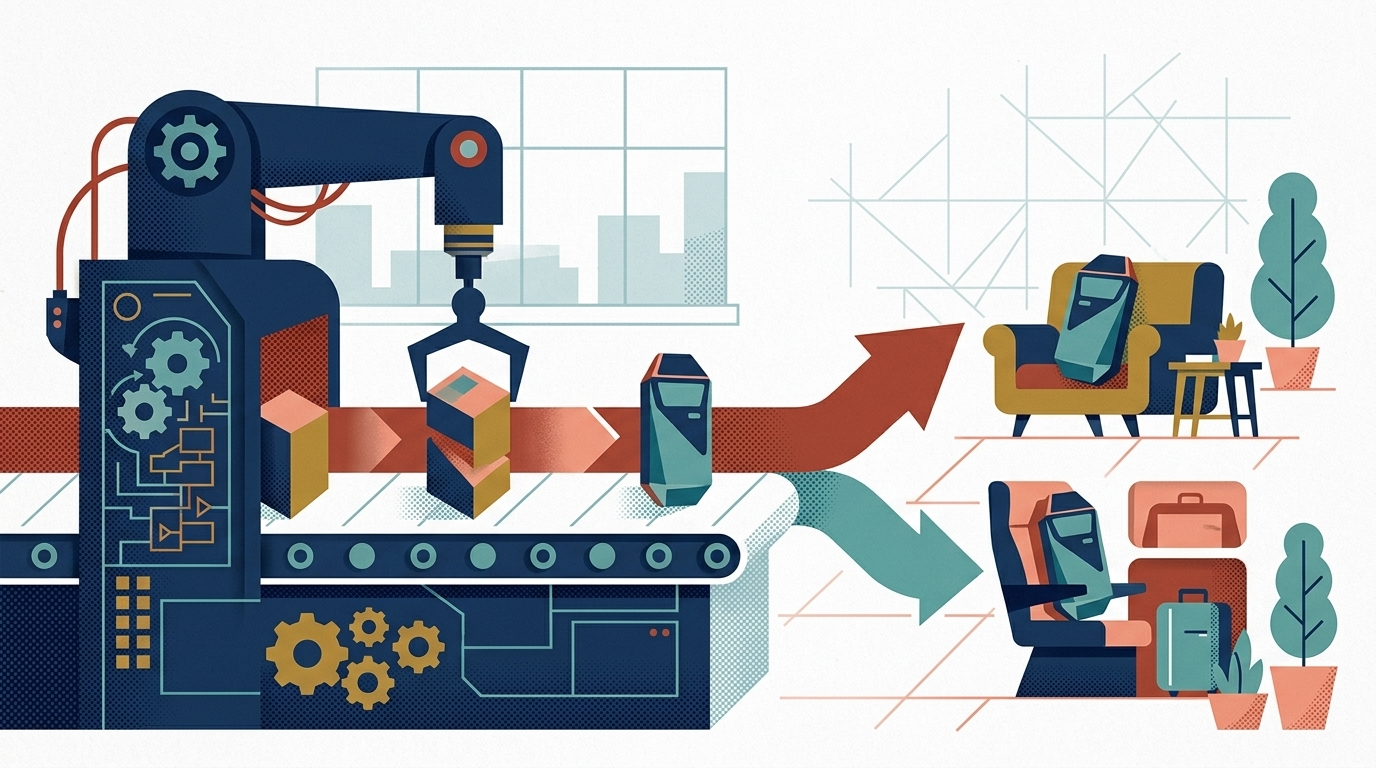
Taking an AI app to production is its own project, with its own checklist. It is smaller than building the app, and it is the part that decides whether the launch holds. This is the work we get asked about most often right now: not building the app, finishing it.
The Weekend Prototype Is Real, and So Is the Gap After It
Start with what the prototype got right, because it got a lot right. It proves the idea works. It settles arguments about the workflow that a document never could. It shows investors, partners, or a skeptical co-founder something they can click. That used to be the expensive part, and now it can happen in a weekend. We have no interest in talking anyone out of that.
The gap shows up in who the app has met so far. A prototype has usually served one patient user: the person who built it, clicking the right buttons in the right order on a good connection. Production means real users, and real users are different. They double-click the submit button. They paste in data the form never expected. They show up at the same time. Eventually one of them is not a user at all, just a script probing the login page.
The code was written to make the demo work, because that is what AI coding tools optimize for. It typically was not written to resist load, confusion, or attack. Nobody decided to skip those protections. The prompt just never asked for them, and the tool never volunteered.
So the honest reading is this: the prototype answered the question it was built to answer. Is the idea worth pursuing? Production asks a different question. Can real people rely on this every day? Getting from the first answer to the second is a defined piece of work, not a mystery and not a rescue.
What Production Actually Demands: Review, Secure, Deploy, Support
In practice the work sorts into four jobs, and they go in order.
Review means finding out what you actually have. Someone reads the code the way a second developer would, and writes down what is sound, what is fragile, and what is missing.
Secure means closing the exposures before real users and real data arrive. AI-generated code tends to fail in predictable categories, which is good news: predictable problems can be checked for systematically.
Deploy means giving the app a real home. A laptop, or the preview window inside an AI coding platform, is not infrastructure. The app needs hosting, backups, a way to ship changes safely, and a way to know when something breaks.
Support means deciding, before launch, who keeps the app alive afterward. Dependencies age, providers change their terms, and something will eventually fail at an inconvenient hour. An app with no named owner becomes a liability on a schedule nobody chose.
Each of the four is bounded. None of them requires throwing the prototype away. The rest of this article walks through what each one involves.
Review: An Honest Read of What the AI Wrote
The review is the step people most want to skip, and the one that makes every later step cheaper. Securing, deploying, and supporting an app you have never read means guessing. The review replaces guessing with an inventory.
A reviewer inheriting an AI-written codebase is asking practical questions. Does the structure make sense, or did the tool solve each request in isolation until the pieces stopped fitting? Can a second developer change this code without breaking something unrelated? What libraries did the tool pull in, and are they maintained, or abandoned versions with known problems? How is the data modeled, and will that model survive the first feature request the prompt never anticipated?
The output that matters is a written one: what is solid, what is risky, and what has to change before launch. In our experience the solid column is usually longer than owners fear. AI tools often produce reasonable data models and workable interface code. The risky column tends to concentrate in the same few places, which the next section covers.
One thing the review is not: a judgment on how the app was built. The reviewer’s job is to describe the codebase as it stands, not to score the founder’s prompting. A good review reads like an inspection report, not a critique.
Secure and Deploy: Closing the Exposures and Giving the App a Real Home

Security comes first because the common exposures in AI-generated code are serious and consistent. Three categories show up again and again.
Credentials in the code. AI assistants frequently paste API keys and database passwords straight into source files, because that is the shortest path to a working demo. Anyone who can see the repository can see the keys. The fix is moving secrets into environment variables or a secret manager, then replacing the exposed keys, since copies of the old ones may already exist.
Authorization that lives only in the interface. The app checks that a user is logged in, and the menu hides what they should not see. But the server endpoint behind the menu often answers anyone who asks, and changing an ID in a request can be enough to read someone else’s records. The fix is enforcing permissions on the server, on every endpoint, not just in the screens.
Inputs that are trusted as written. Form fields passed into database queries, or echoed back onto the page without validation, are open invitations to injection attacks. The fix is validating and parameterizing every input path.
Closing these is risk reduction, not a guarantee, and it is worth saying so plainly. A security pass finds the known exposure categories, closes them, and documents what was done, so the next review starts from a known state instead of zero.
Deployment is the other half of the same phase. A production home typically includes hosting configured for the app’s actual runtime, a staging environment where changes can break safely, database backups that run on a schedule someone has tested restoring from, and a repeatable deploy process so releasing a fix does not mean copying files and hoping. Monitoring belongs here too: error tracking and uptime alerts, so the first report of a failure comes from a system and not from a customer.
None of this is exotic. For a typical early-stage app it is a known stack assembled from standard parts. The difference it makes is the difference between an app that exists and an app a business can stand behind.
Support: Who Answers When It Breaks at 2 a.m.
The tool that wrote the code does not carry a pager. That sentence sounds flip, and it is one of the most overlooked facts in the whole prototype-to-production path.
Every production app accumulates small obligations. Dependencies need updates, because the libraries underneath any application keep changing and unpatched ones accumulate risk. The hosting bill needs an owner. The error alerts need someone who reads them. When a payment provider or a model API changes its behavior, someone has to notice and respond. None of these is a crisis on its own. Unowned, together, they are how a working app quietly rots.
Support, concretely, is a plan: named people, defined response expectations, and maintenance that happens on a schedule rather than after a failure. For some businesses that is an internal person with time genuinely set aside. For many, it is a support agreement with a partner who does this across many apps and has seen the failure modes before.
Ownership belongs in this conversation too. Whoever supports the app, the code should live in a repository the business controls, and the hosting, domain, and provider accounts should be in the business’s name. A partner who insists on keeping those in their own accounts is creating a dependency that has nothing to do with support quality.
What a Path from Prototype to Product Looks Like in Practice
Put together, the path is short to describe, and most of it is sequencing.
It starts with an assessment, because every later quote and decision depends on what the review finds. Someone reads the codebase, the infrastructure, and the data flows, then delivers a written report: what is solid, what is risky, and what it takes to ship. The report is specific to the app in front of them, not a generic checklist with the company name swapped in.
Then comes the hardening, scoped from the report. Security fixes first, then the production stack: staging, backups, deploy pipeline, monitoring. Because the review already named the work, this phase can be quoted at a fixed scope instead of an open-ended hourly guess.
Then launch, which by this point is deliberately boring. The app moves to its production home through the same pipeline that will carry every future change.
Then support begins, under an agreement decided before launch rather than negotiated during the first outage.
The timeline depends on what the review finds, and it usually lands somewhere in the range of several weeks. The prototype did more of the work than its builder may realize. What remains is making it safe to rely on.
If you have an app like this, built with AI and working, with real users waiting, the sensible first step is to request a Production Readiness Assessment: a written report on what is solid, what is risky, and what it takes to ship. You will know what you have before you commit to anything, and the report is useful whoever does the work.