


CI/CD for People Who Built Their App in a Weekend
You built the app with an AI assistant, it works, and people are using it. Updates happen the way they did on day one: you change the code, click around to check it, then copy the files to the server and hope. If that is your deploy process, this is CI/CD for beginners, written for the founder who reached a working product without ever needing to learn what the letters mean.
The short version: CI/CD is automation that tests and ships your code the same way every time. It is one of the cheaper upgrades an AI-built app can get, and one of the first things we set up when we harden one for production.
What CI/CD actually stands for, without the acronym fog
CI is continuous integration. Every time you push a change to your code repository, an automated service notices, builds the app, and runs your tests against it. The word “integration” comes from combining multiple developers’ changes, but the part that matters for you is the automatic checking. The machine verifies every change, even the tiny ones you were sure were safe.
CD is continuous deployment, or continuous delivery, a slightly more cautious cousin. Once a change passes its checks, the same service pushes it to your server. No dragging files, no logging in, no step you can forget. The difference between the two D words is small but useful: delivery means the release waits for a human to click approve, deployment means it goes out on its own once the checks pass. Early on, most founders want the approve button.
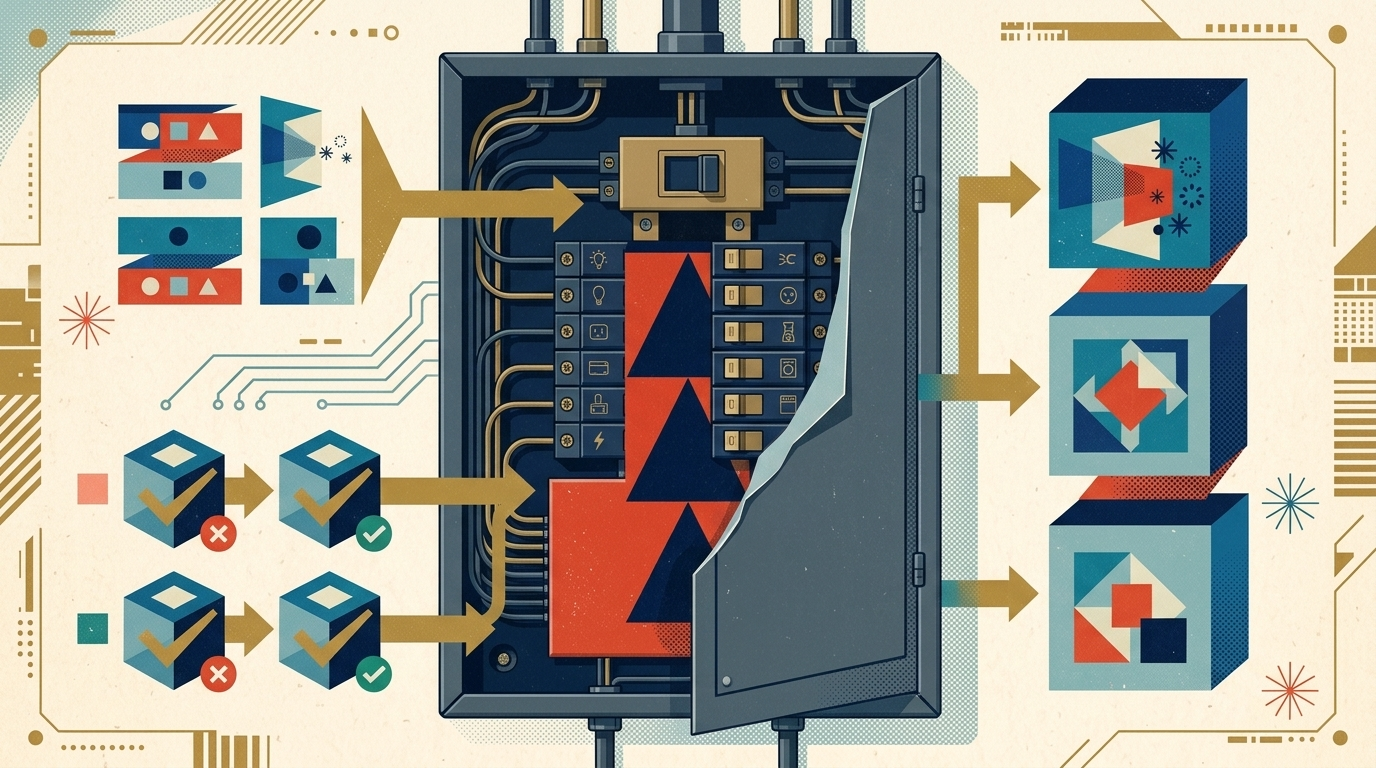
Put together, a CI/CD pipeline is a conveyor belt from “I changed the code” to “the change is live,” with inspection stations along the way. Nothing about it requires a team. A one-person app arguably benefits most, because that one person is currently doing every step by hand, every time.
The problem it solves: every manual deploy is a chance to break production
Manual deployment fails in ordinary, human ways. You copy most of the files and miss one. You deploy from your laptop, which has a newer version of some dependency than the server does, and the app behaves differently in ways that take an evening to track down. You make a quick fix directly on the server, forget to copy it back into your code, and the next deploy quietly erases it. None of this means you are careless. It means you are a person repeating a fiddly task, often at the end of the day, often under some pressure.
AI-built apps make the math worse in a specific way. The assistant writes code fast, so you produce changes fast, sometimes several in a day. The deploy process stays manual, so each change carries a fresh chance of breaking production. The more productive you get, the more often you roll the dice. Some founders respond by slowing down on purpose, shipping fixes weekly instead of daily, because deploys feel too risky. At that point a working product is being held back by its own release process.
An automated pipeline removes the dice. It runs the same steps in the same order every time, building from the code in the repository, not from whatever state your laptop happens to be in. When something fails, it fails inside the pipeline, visibly, before it reaches a user.
Continuous integration: tests run on every change, automatically

The CI half depends on having some tests to run, and this is where founders usually wince. Most weekend-built apps have none. The good news is that CI does not need many to start earning its keep. A handful of tests covering the flows that must never break (signup, login, payment, the core thing the app does) catches a surprising share of real breakage. The goal at this stage is a safety rail, not full coverage.
With even a small suite in place, the routine changes. You push a change, and a few minutes later you have a verdict: green, everything still passes, or red, something you did not expect to touch just broke. The red result is the valuable one. It arrives while the change is still fresh in your mind and before anyone else has seen it.
This matters more with AI-generated code than with code you wrote yourself. AI assistants tend to produce code that works for the case you asked about, with connections between parts that are not always obvious from reading it. A change to one feature can disturb another one that shares a function or a data shape you did not know about. Automated tests are how you find that out in the pipeline instead of in a customer email.
CI also pins down the build environment. The pipeline installs dependencies from your project’s own lock file on a clean machine, every run. The whole category of “works on my laptop, breaks on the server” shrinks, because your laptop is no longer part of the release.
Continuous deployment: releases become boring, which is the goal
Once checks pass, the pipeline deploys: it packages the app, puts it on the server, and switches traffic to the new version. Done well, a release stops being an event. There is no deploy night, no window where you warn users, no held breath. You merge a change, and a few minutes later it is live. If that sounds anticlimactic, that is the point of the exercise. Boring releases are the observable sign that the process works.
Two properties come with this that manual copying never offers. The first is a record: every release corresponds to an exact version of the code, so you always know what is running in production and what changed between any two releases. The second is rollback. When a bad change does get through (it happens, pipelines reduce risk rather than eliminate it), you redeploy the previous version with a click instead of reconstructing last week’s files from memory at midnight.
For a founder, the practical payoff is speed with less fear. A typo fix no longer waits for the weekend because deploying feels heavy. Shipping a fix takes the same few minutes whether it is one line or one feature, and the checks run either way.
A starter pipeline: what it looks like and what it costs to stand up
A starter pipeline for a small app is modest. Code lives in a hosted repository, usually GitHub. The pipeline itself is a short configuration file in that repository describing the steps: install dependencies, run the tests, deploy on success. GitHub’s own automation service (Actions) runs it, and the free allowance for small projects typically covers an app at this stage, so the recurring cost is often zero. Competing platforms work the same way.
Standing it up is mostly one-time setup work: writing the pipeline configuration, giving it credentials to reach your server (stored as encrypted secrets, not pasted into code), writing the first critical-path tests if none exist, and running a few supervised deploys to confirm the whole belt moves. For a typical small app we see this land in a few days of focused work, with the test writing, not the pipeline, taking most of it. The range depends on how the app is hosted and how much of it can be tested without untangling something first; a code review usually answers that before anyone commits to a number.
That is the honest shape of automated deployment for a founder: a configuration file, a small test suite, and a habit change. A starter pipeline is part of the hardening phase when we take an AI-built app to production. After it exists, shipping a fix takes minutes instead of a nervous evening.