


Testing AI-Written Code: Where Tests Pay for Themselves
If you have inherited an application that was built with an AI coding tool, you have probably noticed a pattern. The app works, mostly. But every small change takes longer than it should, and something unrelated tends to break along the way. Testing AI-generated code is what usually breaks that cycle, and starting costs less than most people expect.
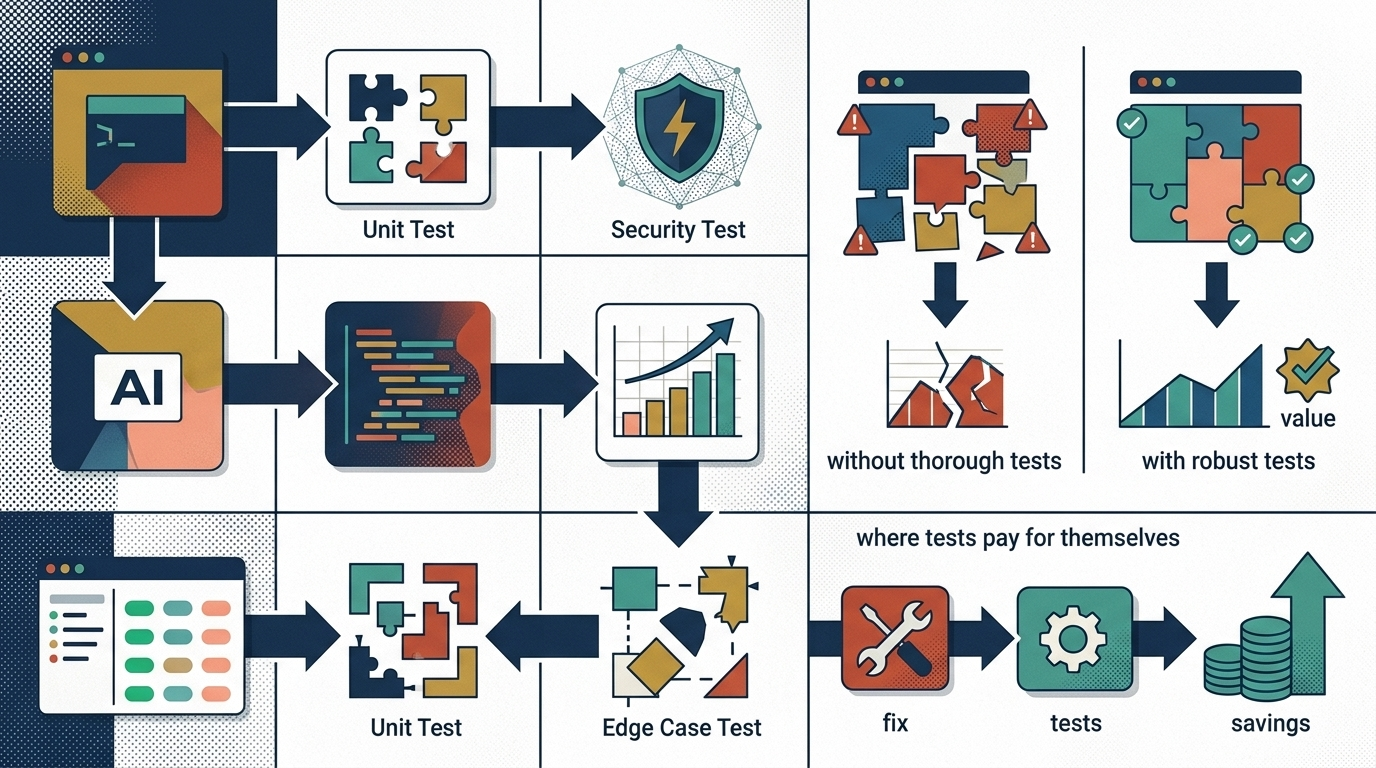
This is written for the person who keeps such an app alive without having asked to. Maybe the builder left, or moved on to other projects, and the tool landed on your desk because you were the one who used it most. You do not need to become a developer to understand where tests pay for themselves. You need a clear picture of what tests actually do, and which ones matter first.
The fear is rational: changing untested AI code really does break things
People who hesitate to touch an AI-built app are often told they are being too cautious. In our experience, the caution is earned. AI coding assistants produce working code quickly, but quickly produced code tends to be connected in ways nobody mapped. A piece of logic written for the signup form may also feed the reporting page, because reusing it was the fastest way to make the demo work. Nobody wrote that connection down, and nobody remembers it is there.
When no tests exist, the only way to learn whether a change is safe is to make the change and watch what happens. Sometimes the breakage shows up immediately. Sometimes it shows up a week later, in a corner of the app the change was never supposed to touch, reported by the one coworker who uses that screen. So the people responsible for the app start avoiding changes, and the app slowly drifts out of step with how the team actually works.
The fix is not more courage. A test is a small program that checks whether a specific part of the app still behaves the way it should. Once tests exist for the parts that matter, “did this change break anything” becomes a question the computer answers in minutes, instead of a question your users answer over the following weeks.
Why 100 percent coverage is the wrong goal for an inherited codebase
If you ask a developer about testing, you may hear the phrase “test coverage,” which measures how much of the code the tests exercise. It can sound like the goal is 100 percent. For a codebase you inherited, and especially one an AI wrote, that goal typically works against you.
Full coverage means writing tests for everything: the code that handles money and the code that formats a date on a screen nobody reads. In an AI-generated codebase, a good share of the code may be duplicated, unused, or likely to be replaced once someone reviews it properly. Testing all of it costs real money and weeks of effort, and most of that effort protects things that were never in danger.
There is a quieter problem too. Chasing a coverage number treats every line of code as equally important, and they are not. The checkout flow and a cosmetic helper function get the same attention, which means the dangerous parts of the app get less attention than they deserve. A testing strategy for an inherited codebase works better when it starts from business risk: what would actually hurt if it broke tomorrow. Coverage becomes a byproduct, not the target.
Critical paths first: the five flows that must never break

A critical path is a route through the app that the business cannot operate without. Most small applications have five to ten, often closer to five. The exact list depends on what the app does, but it usually looks something like this: signing in, the core job the app exists to perform, anything that takes a payment or accepts important data, the screens people check to make decisions, and whatever the app sends to other systems, such as exports, invoices, or notification emails.
A critical-path test walks one of those routes from end to end, the way a real user would, and confirms the outcome. It signs in with a test account, fills in the form, submits it, and then checks that the record landed where it should. If any step along the way stops working, the test fails and names the step.
Writing the list of critical paths does not require reading code. It requires knowing the business, which is the part you already have. In practice this is a conversation: what do people do in this app every day, and which of those things would generate a phone call to you within the hour if it stopped. Five to ten flows usually covers it. That short list is worth more than any coverage percentage, because it describes what “working” means for your team in particular.
Tests as a safety rail: what changes once they exist
The first change is practical. With critical-path tests in place, any proposed change to the app can be checked against them before users ever see it. The developer makes the change, the tests run, and a failure shows up as a failure, not as a support ticket. Breakage still happens, but it happens in private, where it is cheap.
The second change is about who carries the risk. Without tests, the safety mechanism is a person: whoever holds the app’s quirks in their head and eyeballs each change. That person becomes a bottleneck, and their vacation becomes a freeze on all updates. Tests move that knowledge out of one person’s head and into something the whole team can run. If you are that person right now, this is the part that matters most. The app stops depending on your memory.
The third change shows up in cost. Hiring help for an untested app is expensive because every estimate has to include time for careful manual checking and for fixing whatever the change disturbs. Once a test suite exists, a developer can verify their own work in minutes. The same fix takes fewer hours, and the quote reflects that. The tests keep paying this dividend on every change that follows.
A realistic starting plan: what to cover in the first month
A reasonable first month looks smaller than people expect. The first step is the critical-path list described above: one working session, no code involved, just agreement on the flows that must never break. Writing them down often surfaces surprises on its own, such as a flow everyone depends on that only one person knew existed.
The second step is standing up the testing harness, which is the one-time setup that lets tests run against the app. The third is writing one test per critical path, starting with the flow that would hurt most. The final step is wiring the tests to run automatically whenever the code changes, so nobody has to remember to run them. None of this requires touching the app’s features, which means the work carries little risk of breaking anything while it happens.
At the end of that month you typically have five to ten tests. That sounds modest next to the thousands of lines of code an AI tool can generate, and it is. It is also the point where the economics flip, because those few tests watch the paths where almost all of the real damage would occur. The rest of the suite can grow gradually, one test at a time, usually added whenever a bug teaches you where the next gap is.
If every change to the app feels like a gamble, a critical-path test suite is usually the cheapest way to make that stop. We scope exactly this work in our Production Readiness Assessment: a written read of what the app has, what it is missing, and what a first month of testing would cover for your codebase in particular. You get the report either way, and the gamble gets replaced by a checklist.